A CRM built for tutors
Students, groups, scheduling, payments and reminders — without spreadsheets or five separate chats.
A CRM, a task builder and a student portal. The schedule, reminders, homework and payments run themselves.
Works with the tools you already use
Students, groups, scheduling, payments and reminders — without spreadsheets or five separate chats.
Lessons assembled from exercises that mark themselves, instead of files dropped into a chat.
Streaks, points and achievements keep students moving between sessions.
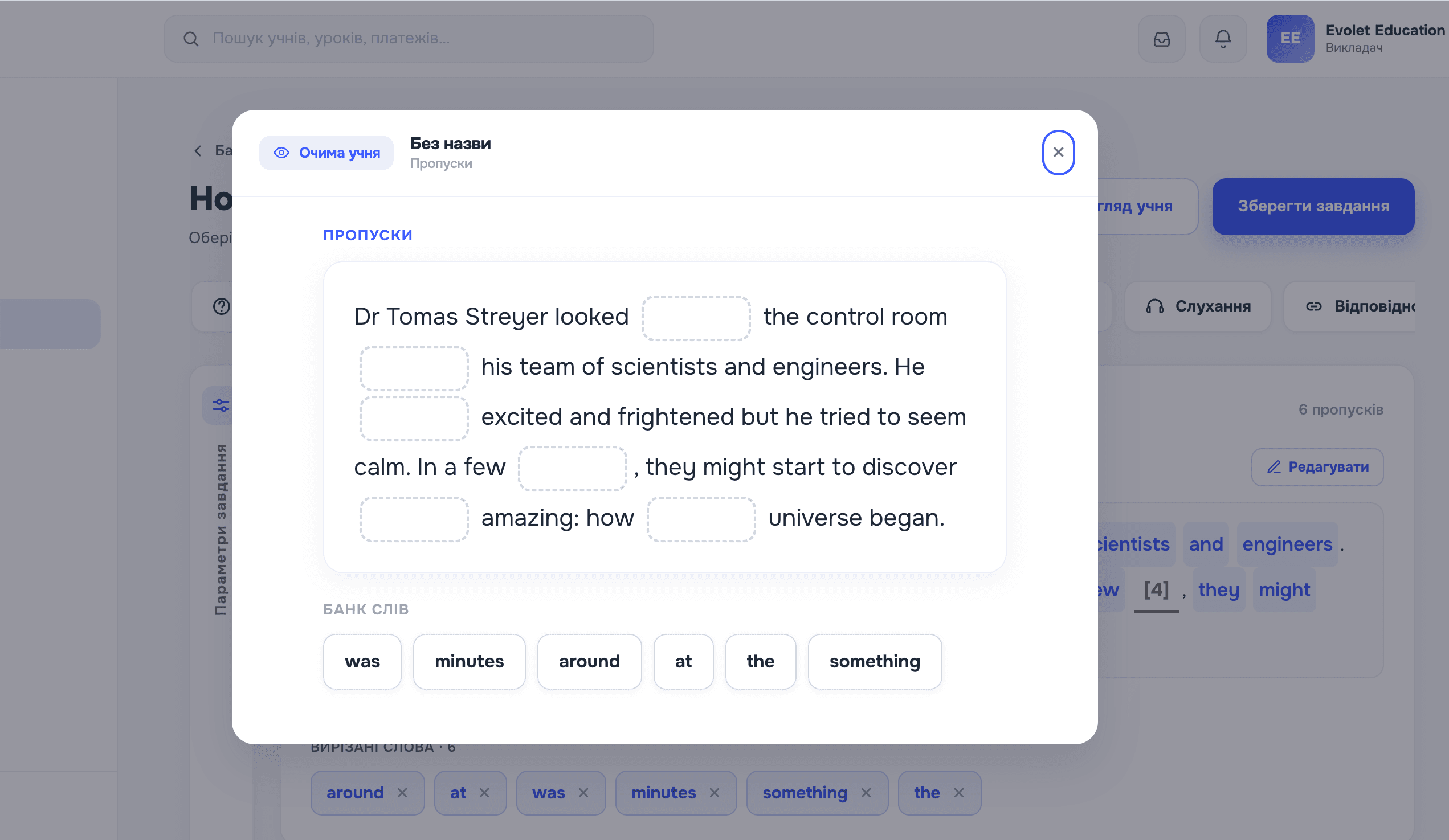
You build an exercise from blocks and check it on the spot — in the same view your student will see.
The whole cycle — from the first message a student sends to the income report.
A minute, no card.
With Google Calendar sync, if you want it.
From your own exercises or ones from the bank.
Board, self-marking homework, reports.
| The job | The usual stack | In Evolet |
|---|---|---|
| Student records | A spreadsheet and notes on your phone | A student card with lesson and payment history |
| Scheduling | A calendar kept apart from the student list | A timetable that syncs with Google Calendar |
| Reminders | Typed out by hand before every lesson | Sent automatically by Telegram and email |
| Lesson material | Files in a chat and on a drive | A lesson built from interactive exercises |
| Whiteboard | A separate board service, with a link in the chat | A board inside the live lesson; existing Miro boards come over as an export |
| Homework | PDFs out, photos of answers back | Auto-marking and hand-marking in one list |
| Payments | A spreadsheet and reminders you write yourself | Student balances, who owes you, automatic nudges |
Paid plans raise the limits on students and storage. Prices are in USD; you are charged in hryvnia.
Yes — no time limit and no card. The exact limits are in the pricing table.
The most recently added students above the limit are paused. Nothing is deleted.
Prices are in US dollars; you are charged in hryvnia at the rate on the day.
Yes, from your workspace. Access runs to the end of the period you paid for.
You get a grace period. After that the plan drops back to Free, with no loss of data.
Yes — by invitation, and free for the student.
Yes, and Miro needs no setup: in Miro choose Export → Save as PDF, then drop the file into a board task. Each frame becomes its own page on the canvas. PNG and JPG work the same way.
By Telegram and email — about lessons, homework and payments.
There is no separate app — the portal works in a phone browser.
Ukrainian and English. Each person picks their own, so you and your student can differ.
The free plan gives you the full feature set, with room for up to three students.
Create an account